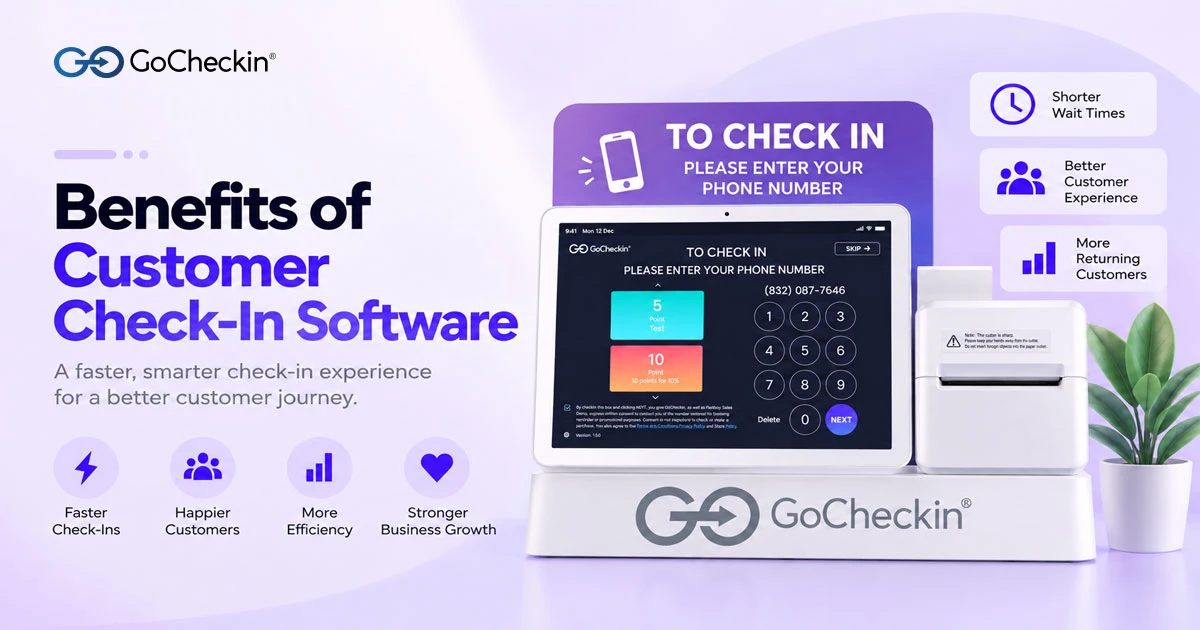
Customer check-in software helps businesses replace manual sign-in sheets and inefficient front-desk processes with a digital check-in experience
Customer check-in data and analytics for business insights
Benefits of Customer Check-In Software
Customer expectations are changing quickly. People want businesses to provide fast, convenient, and personalized experiences from the moment they arrive. For salons, spas, clinics, restaurants, retail stores, and other service-based businesses, the customer check-in process is an important part of that experience.
Customer check-in software helps businesses replace manual sign-in sheets and inefficient front-desk processes with a digital check-in experience. Customers can check in using a tablet, kiosk, QR code, or other digital methods, while businesses can organize customer information, manage waiting lists, and improve the overall customer journey.
In this article, we will explore the key benefits of customer check-in software and explain why digital check-in is becoming an important solution for modern businesses.
What Is Customer Check-In Software?
Customer check-in software is a digital solution that allows customers to register their arrival without relying entirely on traditional paper sign-in processes.
Depending on the system, customers may be able to check in by entering their information on a tablet or kiosk, scanning a QR code, confirming an appointment, or using a self-service check-in screen.
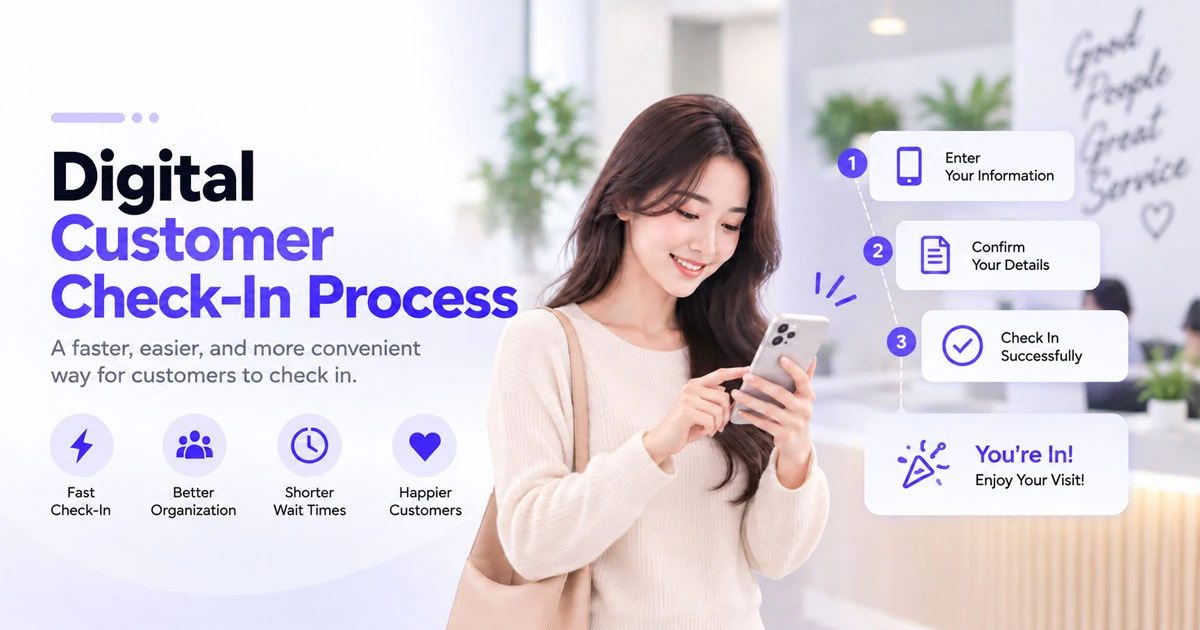
Digital check-in allows customers to complete the check-in process quickly without waiting at the front desk.
After check-in, the software can provide businesses with useful information such as:
- Customer name and contact information
- Appointment or service information
- Arrival time
- Waiting status
- Customer preferences
- Visit history
- Staff or service assignment
For businesses that handle a large number of customers every day, this information can make the front-desk process faster and more organized.
1. Improve the Customer Experience
One of the biggest benefits of customer check-in software is a better customer experience.
Traditional check-in processes can require customers to wait at the front desk, fill out paperwork, or repeat information they have already provided. During busy periods, even a few extra minutes can create frustration.
Digital check-in allows customers to complete the process quickly and conveniently.
For example, a customer visiting a nail salon can arrive, scan a QR code or use a check-in device, confirm their information, and wait for their appointment without needing to spend additional time at the reception desk.
A smoother arrival experience creates a more professional first impression.
2. Reduce Waiting Time
Long wait times can negatively affect customer satisfaction.
Customer check-in software helps businesses organize arrivals and waiting customers more efficiently. Staff can see who has arrived, who is waiting, and which customers have upcoming appointments.
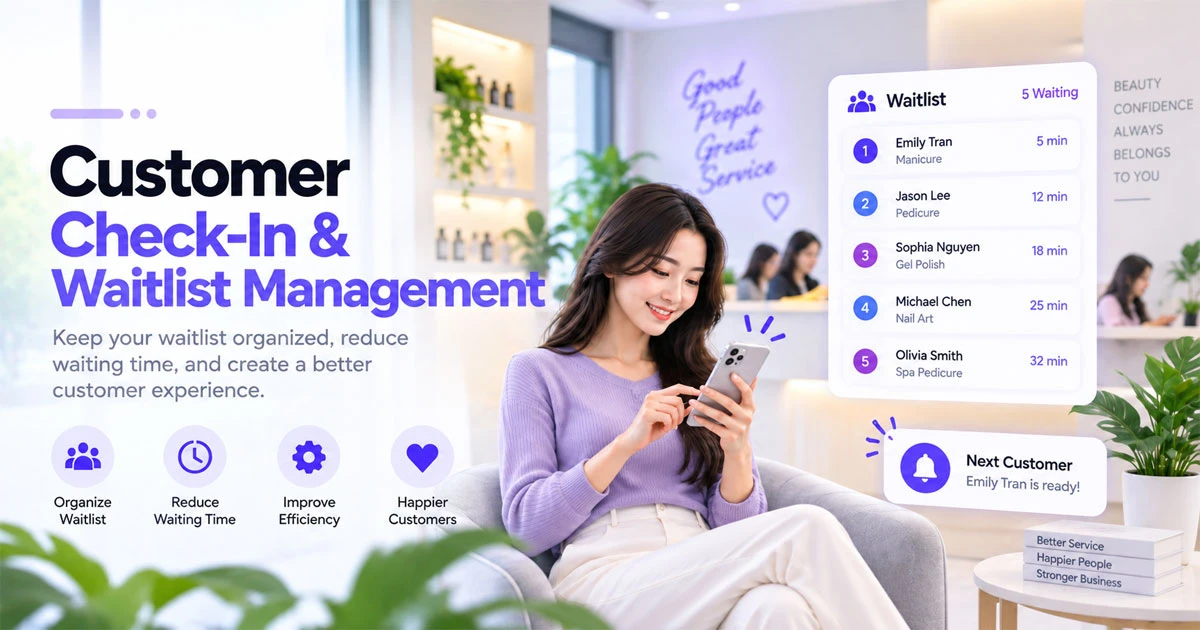
Digital check-in and waitlist management help businesses organize waiting customers and optimize service times.
This can be especially useful for:
- Nail salons
- Hair salons
- Spas
- Medical and dental offices
- Restaurants
- Beauty businesses
- Retail service locations
- Appointment-based businesses
By improving the check-in workflow, employees can spend less time managing a physical sign-in sheet and more time serving customers.
3. Reduce Front-Desk Work
Manual check-in requires employees to collect information, organize paperwork, answer repetitive questions, and keep track of customer arrivals.
A digital check-in system can automate many of these tasks.
Instead of manually entering every customer's information, businesses can allow customers to provide their own information through a self-service check-in process.
This can reduce administrative work and allow employees to focus on higher-value activities such as customer service, sales, and service delivery.
4. Collect More Accurate Customer Data
Accurate customer information is valuable for almost every service business.
Paper forms can contain handwriting errors, incomplete information, or outdated contact details. Customer check-in software can standardize the information collected during each visit.
Businesses may be able to collect information such as:
- Name
- Phone number
- Email address
- Appointment details
- Service preferences
- Visit frequency
- Customer notes
With better customer data, businesses can improve communication and create more personalized experiences.
5. Create a More Efficient Waitlist Management Process
Managing a waitlist manually can become difficult during busy periods.
Customer check-in software can help businesses keep track of customers who are waiting and organize them according to arrival time, appointment status, or service requirements.
For example, if a nail salon has several customers waiting for different technicians, digital check-in can help staff understand who has arrived and who should be served next.
This creates a more transparent and organized waiting process.
6. Support Appointment Check-In
Many businesses already use online booking systems to schedule appointments. However, the customer journey does not end when an appointment is booked.
Customers still need to check in when they arrive.
Customer check-in software can connect the arrival process with appointment information. This allows businesses to quickly identify customers who have arrived for scheduled appointments.
For appointment-based businesses, connecting online booking and digital check-in can create a more seamless customer journey.
7. Increase Operational Efficiency
Business efficiency is not only about serving more customers. It is also about reducing unnecessary steps.
Digital check-in can help businesses simplify their daily operations by replacing multiple manual processes with one centralized workflow.
Employees can spend less time:
- Managing paper forms
- Searching for customer information
- Recording arrival times
- Organizing waiting customers
- Answering repetitive check-in questions
The result can be a more efficient front desk and a more consistent customer experience.
8. Improve Customer Communication
Modern customers expect businesses to communicate clearly and quickly.
Depending on the software, businesses may be able to use customer information collected during check-in for notifications, appointment communication, promotions, or follow-up campaigns.
For example, after a customer's visit, a business could send a follow-up message asking for feedback or invite the customer to book their next appointment.
This makes customer check-in more than simply a way to record arrivals. It can become part of a broader customer engagement strategy.
9. Provide a More Professional Business Experience
The check-in process is often one of the first interactions customers have with a business.
A modern digital check-in experience can make a business appear more organized, efficient, and technology-focused.
For businesses competing in crowded local markets, small improvements in customer experience can help create a stronger impression.
This is particularly relevant for businesses such as nail salons, spas, beauty salons, and clinics where customers often compare businesses based on the quality of the overall experience.
10. Generate Useful Business Insights
Customer check-in data can provide valuable operational insights.
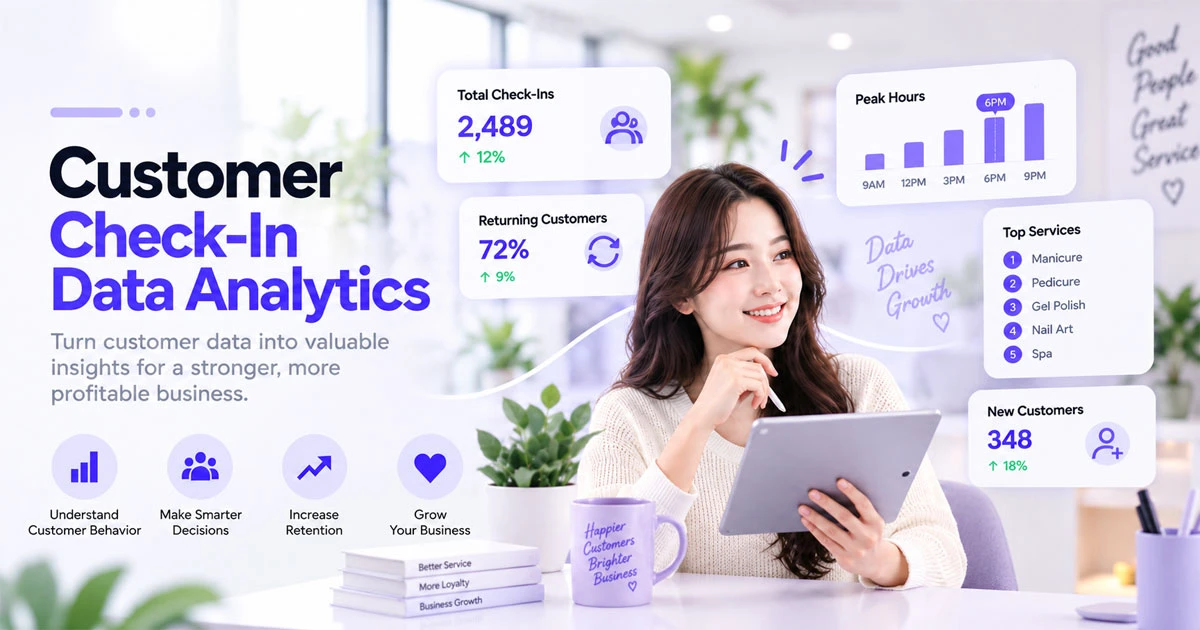
Customer check-in data helps businesses understand customer behavior and make more informed operational decisions.
Over time, businesses may be able to identify patterns such as:
- Busiest days and times
- Customer visit frequency
- Average waiting periods
- Appointment arrival patterns
- Popular services
- Returning customer behavior
These insights can help business owners make better decisions about staffing, scheduling, promotions, and customer retention.
Instead of relying entirely on assumptions, businesses can use real customer activity to understand how their location operates.
How Does Customer Check-In Software Benefit Small Businesses?
Small businesses often have limited staff and resources. This makes operational efficiency particularly important.
A customer check-in system can help a small business automate repetitive tasks without requiring a large front-desk team.
For example, a small nail salon can use digital check-in to manage customer arrivals while employees focus on providing services.
The same concept can apply to spas, salons, clinics, and other local service businesses.
What Should You Look for in Customer Check-In Software?
When choosing a customer check-in solution, businesses should consider features that match their workflow.
Important features may include:
- Digital customer check-in
- Self-service kiosk or tablet check-in
- QR code check-in
- Appointment integration
- Waitlist management
- Customer database
- Customer notifications
- Reporting and analytics
- Mobile-friendly functionality
- Integration with booking and POS systems
The best solution depends on the type of business, customer volume, and existing technology.
Final Thoughts
The benefits of customer check-in software go beyond replacing a paper sign-in sheet. A well-designed digital check-in process can improve customer experience, reduce waiting time, simplify front-desk operations, collect better customer data, and help businesses manage their daily workflow more efficiently.
For nail salons, spas, beauty businesses, clinics, restaurants, and other service-based businesses, digital check-in can become an important part of a modern customer journey.
With GoCheckIn, businesses can create a more convenient check-in experience while improving the way they manage customer arrivals and interactions.
If your business wants to reduce manual check-in tasks and provide customers with a faster, more professional arrival experience, customer check-in software can be an important step toward a more efficient customer experience.